Three simple steps.
- Step 1 Find
Find the right provider
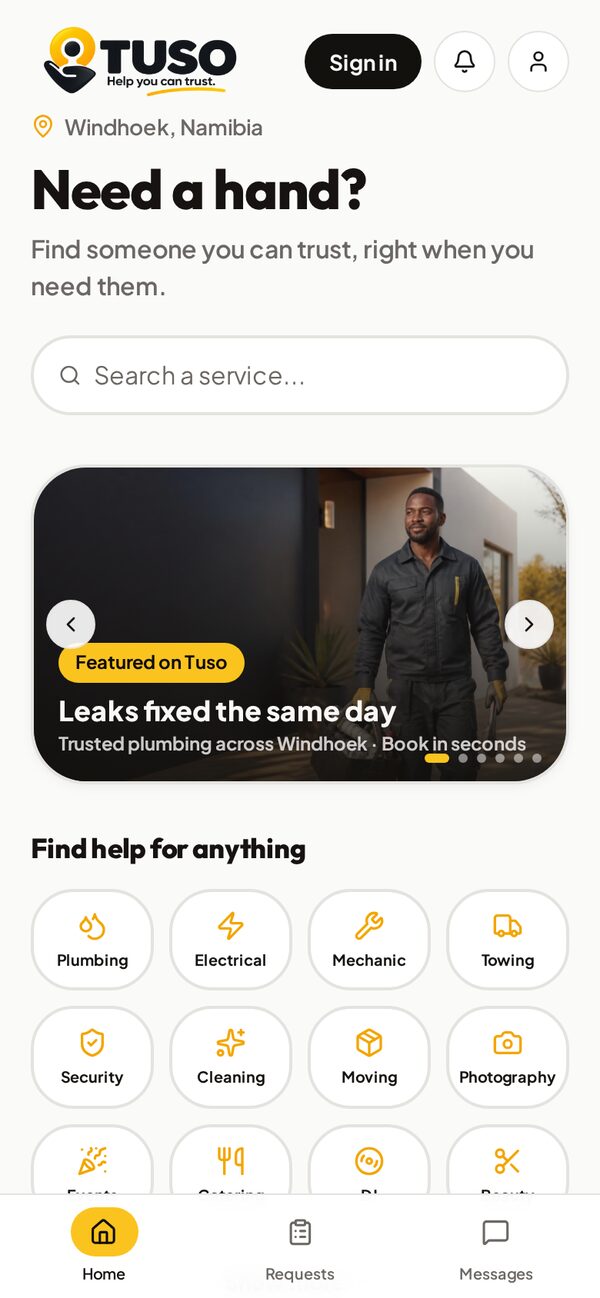
Find a service
Open TUSO and choose a category or search for a service.
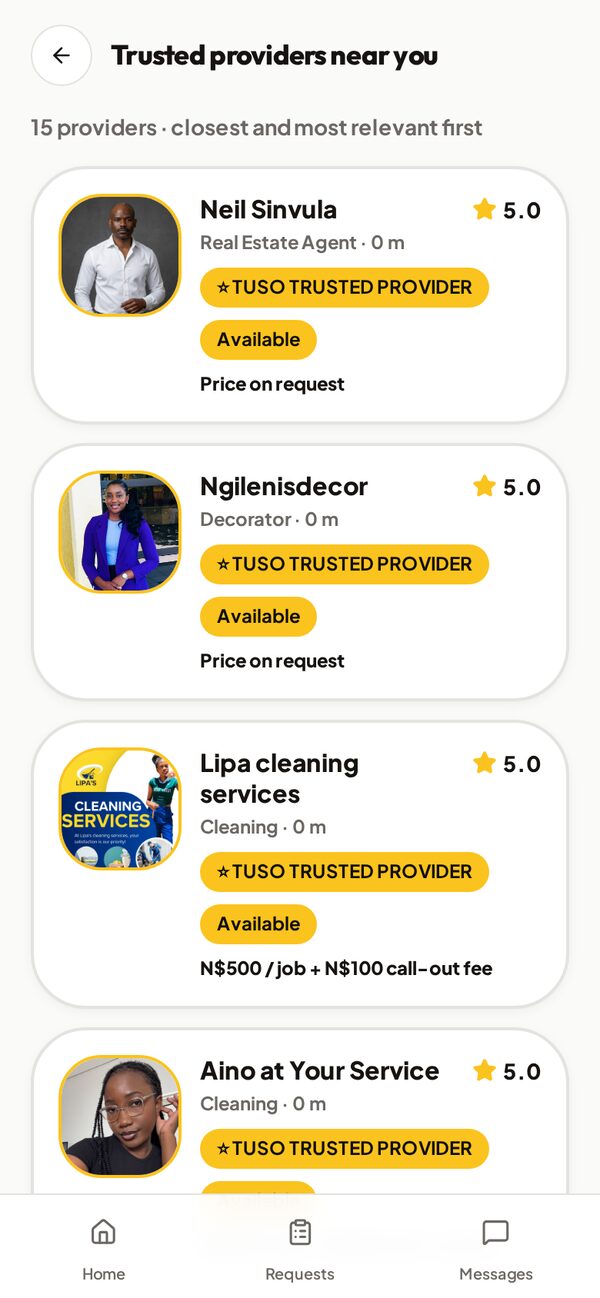
Discover nearby providers
See available providers near you, sorted by distance.
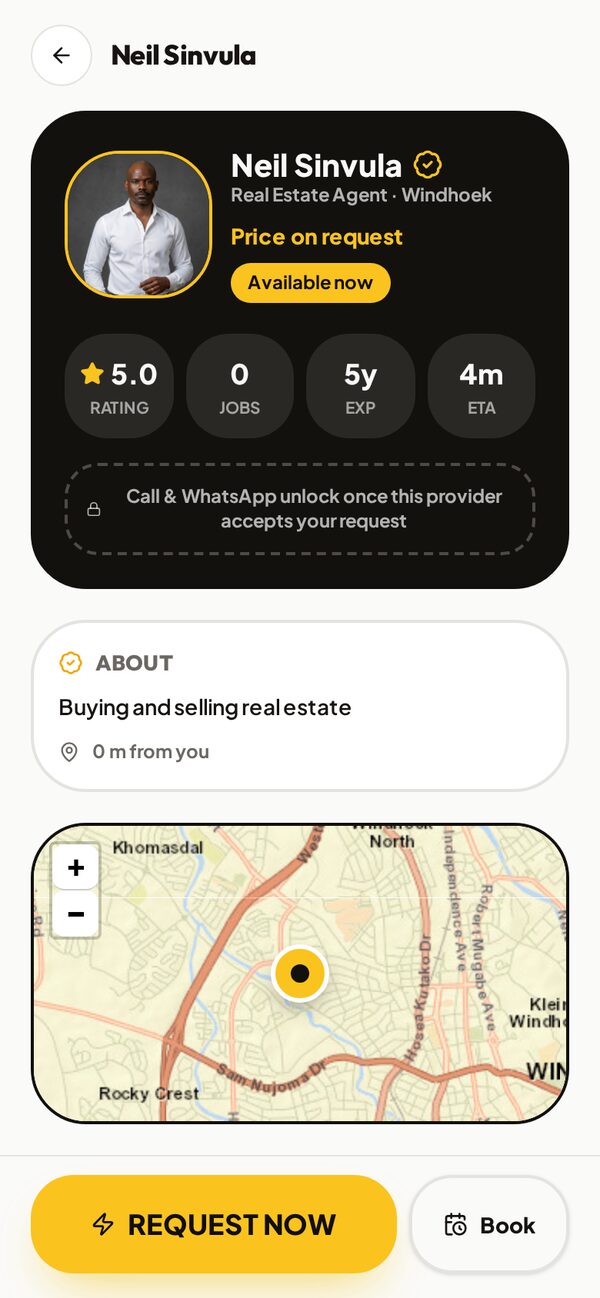
Choose a provider
Check their profile — photo, services, price where available, rating and badge.

- Step 2 Request
Send your request
Request now or book for later
Tap Request Now for help today, or Book to schedule ahead.
Provider accepts
Follow the status in Requests until the provider accepts.
Request status in the app
- 1Request received
- 2Provider accepted
- 3En route
- 4Arrived
- 5Job in progress
- 6Completed
- Step 3 Complete
Get the job done
Contact the provider
Call and WhatsApp unlock once the provider accepts your request.
Arrange the service
Agree on the details — the status updates as the provider is en route and arrives.
Job completed
The provider completes the job and your request is marked Completed.

Get the TUSO app.
Search services, browse trusted providers and request help from your phone.